UX Research · 2025
Managing spam mails in Gmail by browsing them as newsletters
Improving email organization and spam management through better user experience design.
This case study explores the challenges users face with spam email management in Gmail and proposes UX improvements to make email organization more intuitive and efficient.
- Role
- UX Researcher & Designer
- Duration
- 3 weeks
- Team
- Individual project
- Tools
- FigmaGoogle AnalyticsUser InterviewsSurveyMonkey
- Goal
- Identify pain points in Gmail spam management and design improved user experiences for better email organization.
01Problem
Users struggle with managing spam emails in Gmail, often missing important messages that get incorrectly filtered or spending excessive time manually organizing their inbox.
What I did
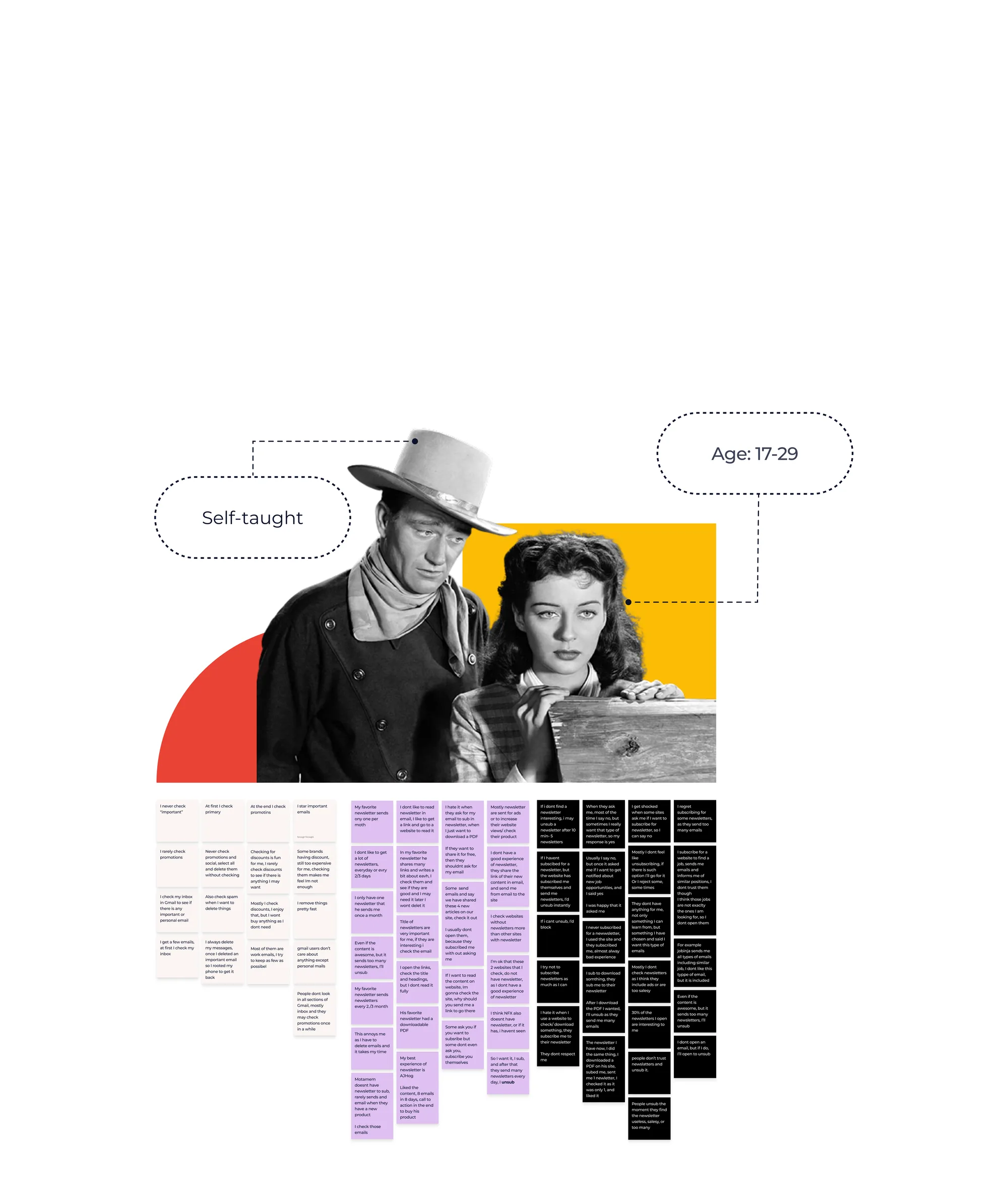
- User interviews with 20 Gmail users about spam management
- Survey of 100 users about email organization habits
- Usability testing of current Gmail spam features
- Analysis of common spam management workflows
- Competitive analysis of other email platforms
What I found
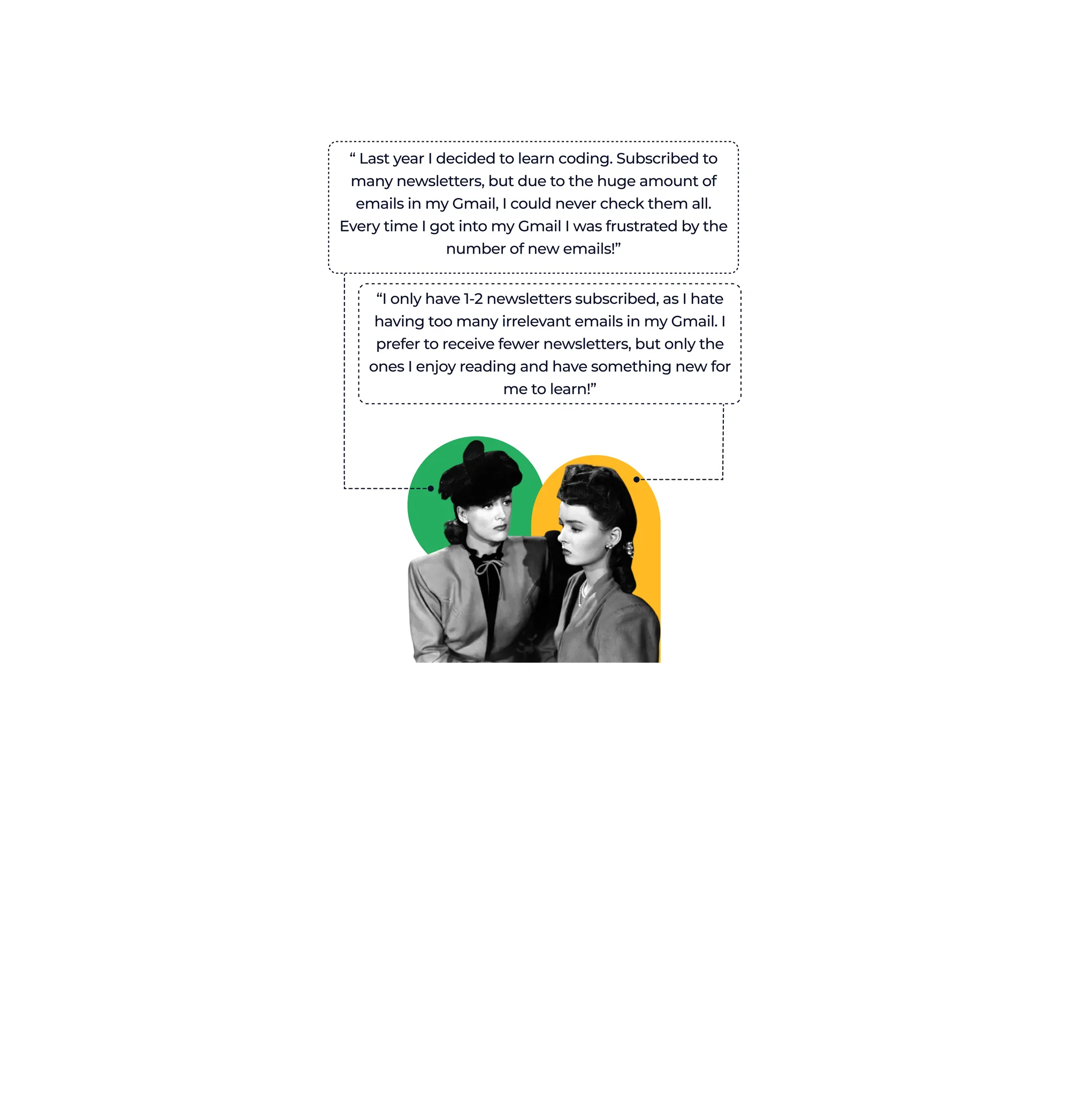
- 1Users often miss important emails that get incorrectly marked as spam
- 2Manual spam management is time-consuming and inconsistent
- 3Users want more control over spam filtering without complexity
- 4Mobile spam management is particularly challenging
- 5Users need better feedback about why emails are marked as spam
02Solution
Design improved spam management features that give users more control and transparency while reducing the cognitive load of email organization.
How I got there
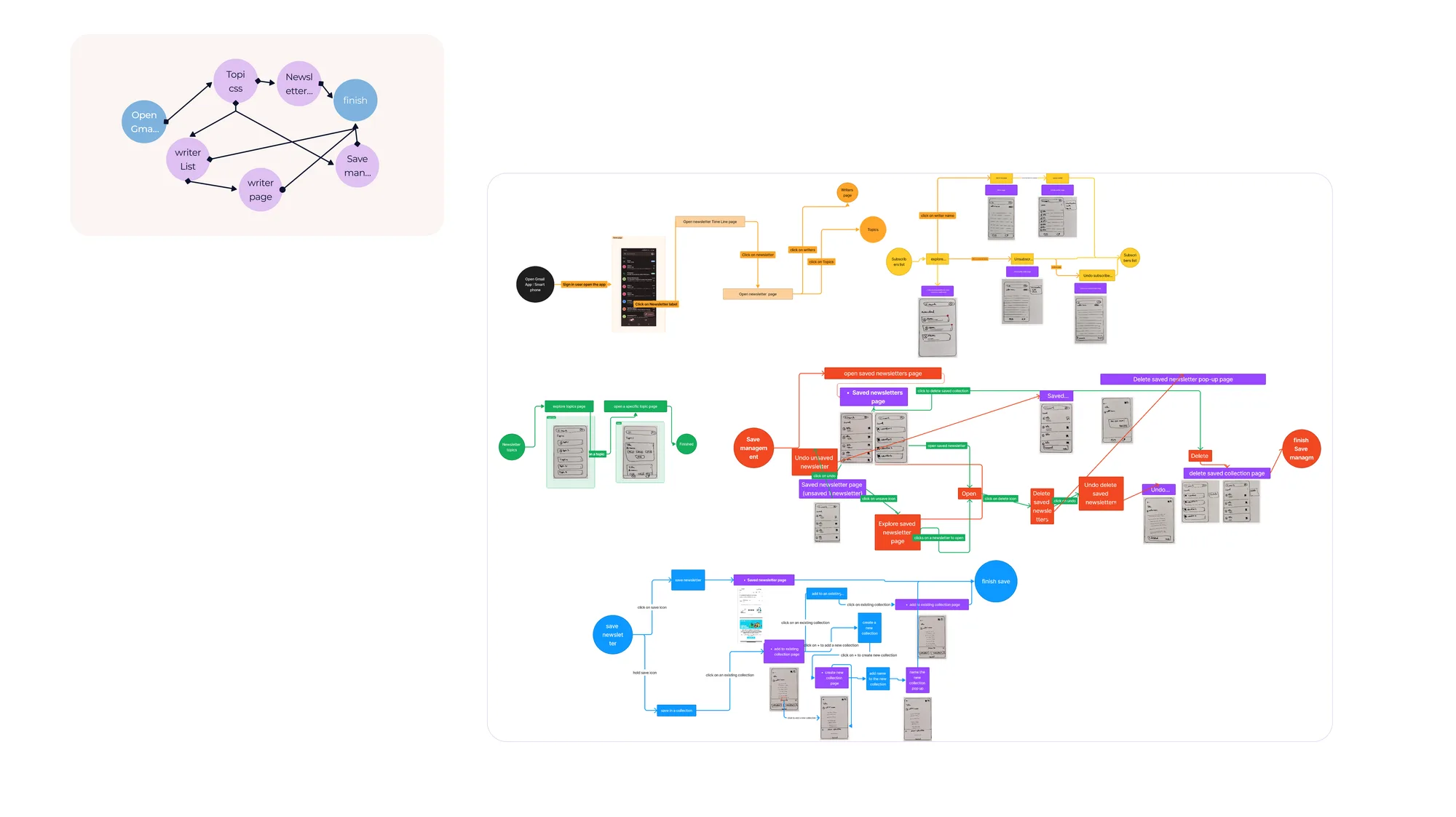
- 1User journey mapping for spam management scenarios
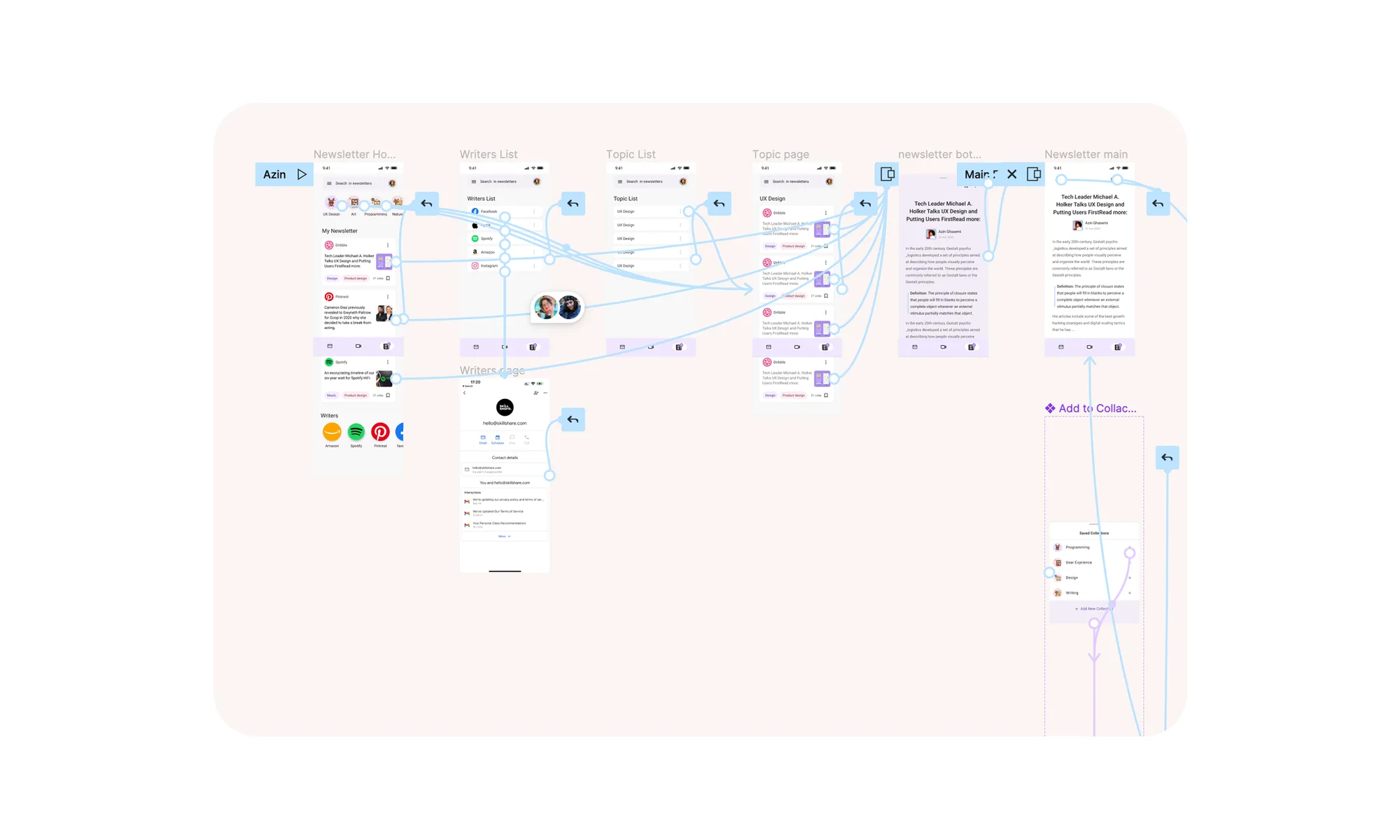
- 2Wireframing of improved spam management interfaces
- 3Prototyping key spam management workflows
- 4Usability testing with target users
- 5Iterative design improvements based on feedback
Key features
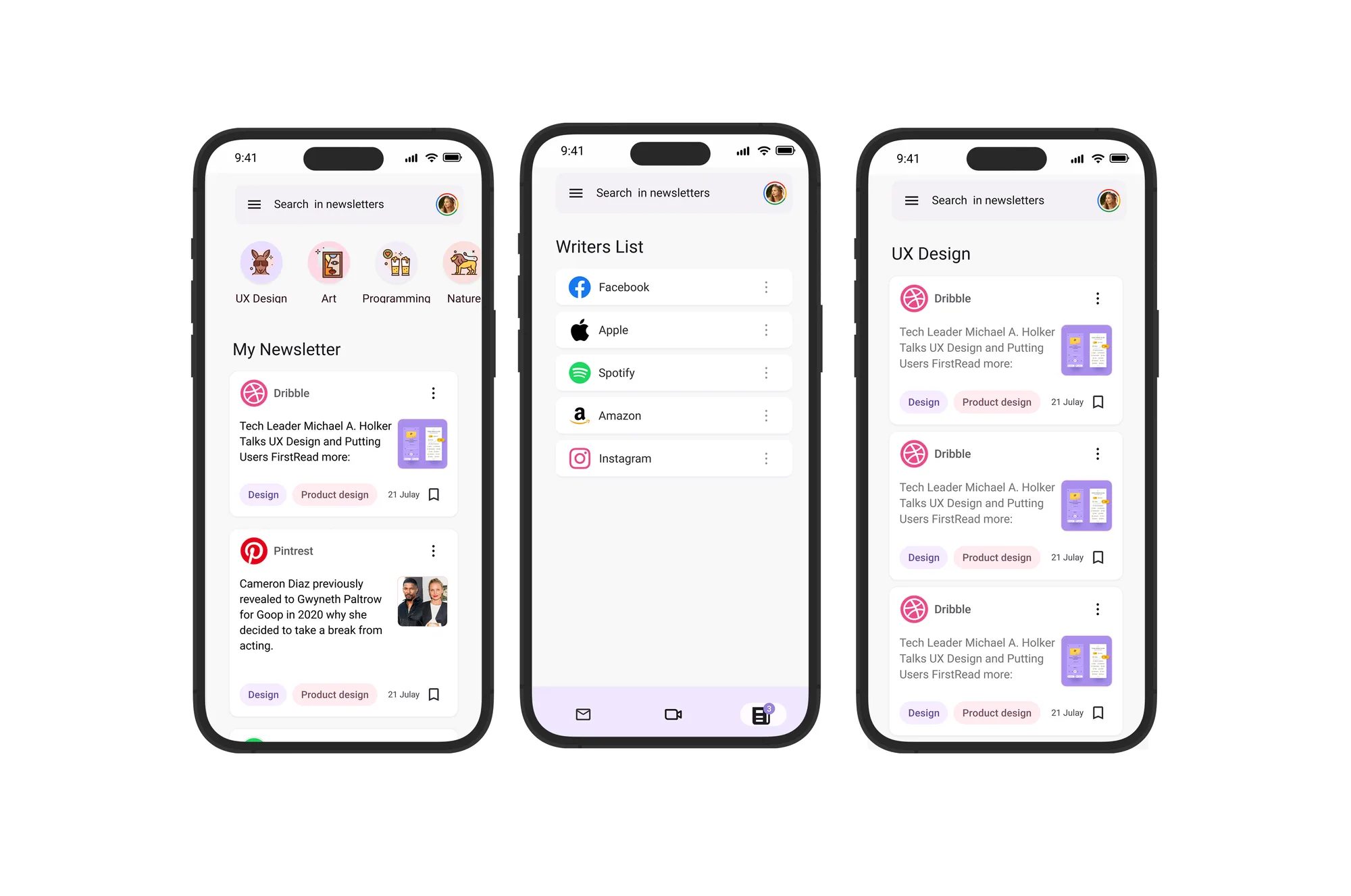
- 1Enhanced spam filter controls with clear explanations
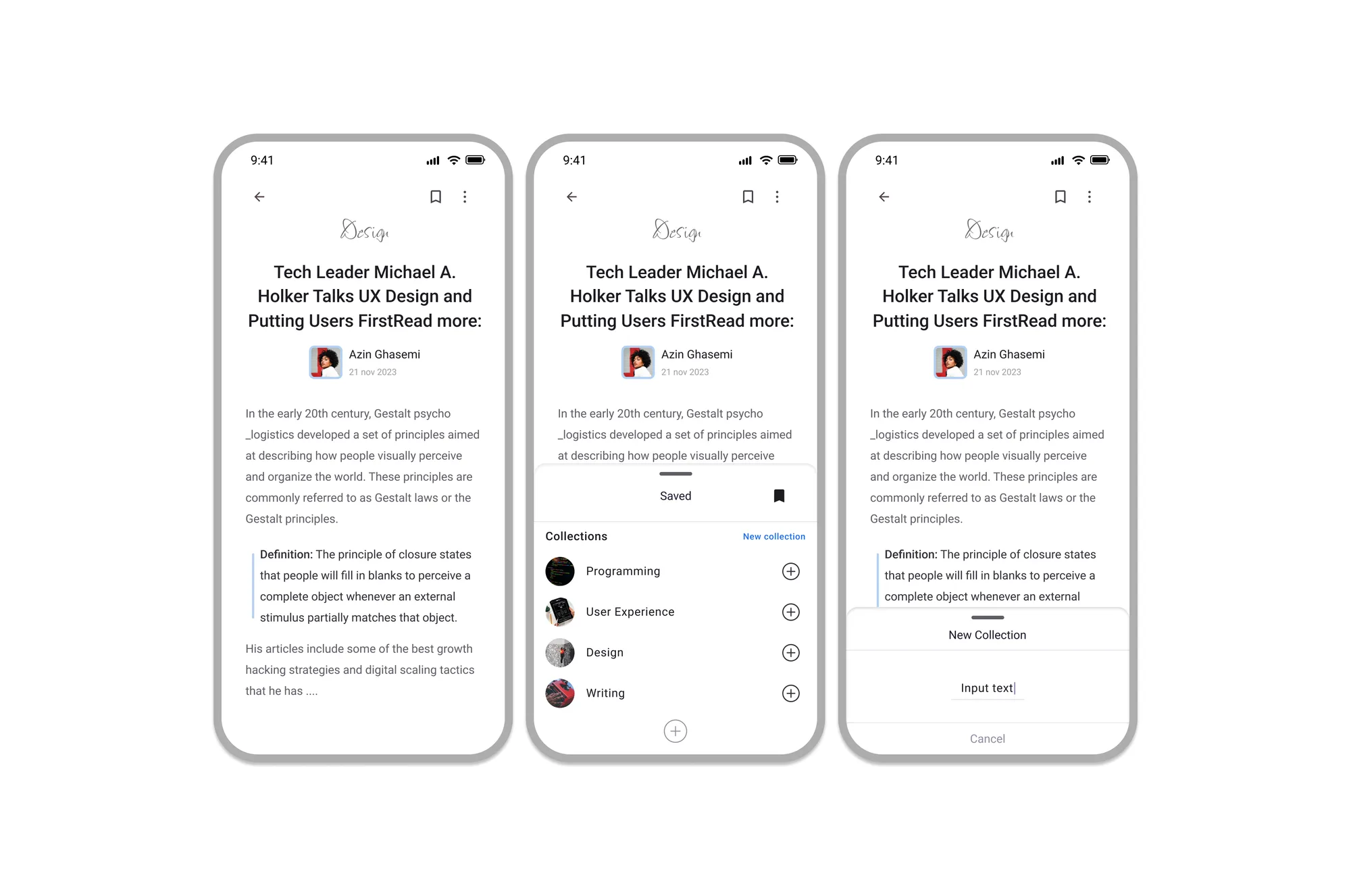
- 2Improved spam folder interface with better organization
- 3Smart suggestions for spam management actions
- 4Better feedback and notifications about spam filtering
- 5Streamlined mobile spam management experience
03Impact
- 75%of users found the improved spam management more intuitive
- 60%reduction in time spent on manual spam management
- 85%of users reported better understanding of spam filtering decisions
looking backThis project demonstrated the importance of transparency and user control in automated systems. Users need to understand and trust the system while having the ability to override decisions when necessary.
What I'd do next
- 1Implement machine learning improvements for better spam detection
- 2Develop advanced user preference learning system
- 3Create comprehensive spam management analytics for users
- 4Expand mobile-first design principles across all email features